AI infrastructure is changing quickly, and a server that fits one workload may be a poor choice for another. This guide to the Top 10 AI Computing Server Manufacturers in 2026 compares companies building systems for model training, inference, and demanding data-center operations. It looks beyond headline GPU counts. Cooling design, power delivery, memory capacity, networking, and service support can matter just as much once racks run at full load.
A capable ai computing server manufacturer should explain how its systems are configured, tested, and supported—not simply promise speed. Buyers can compare platform options, deployment guidance, upgrade paths, and the practical demands of installation. A dense rack, for example, may require liquid cooling and carefully planned power capacity. Those details affect operating costs and reliability.
The selection should be read as a starting point, not a universal ranking. Product availability, regional support, and component configurations can change during the year. And benchmarks need context. Results from one model or workload do not guarantee the same performance elsewhere. Readers should verify current specifications directly with vendors and assess them against their own software, facility, and budget needs. Some comparisons remain imperfect because manufacturers publish different levels of detail. That limitation matters. The aim here is a clear, evidence-minded overview of the leading options and the questions worth asking before procurement.
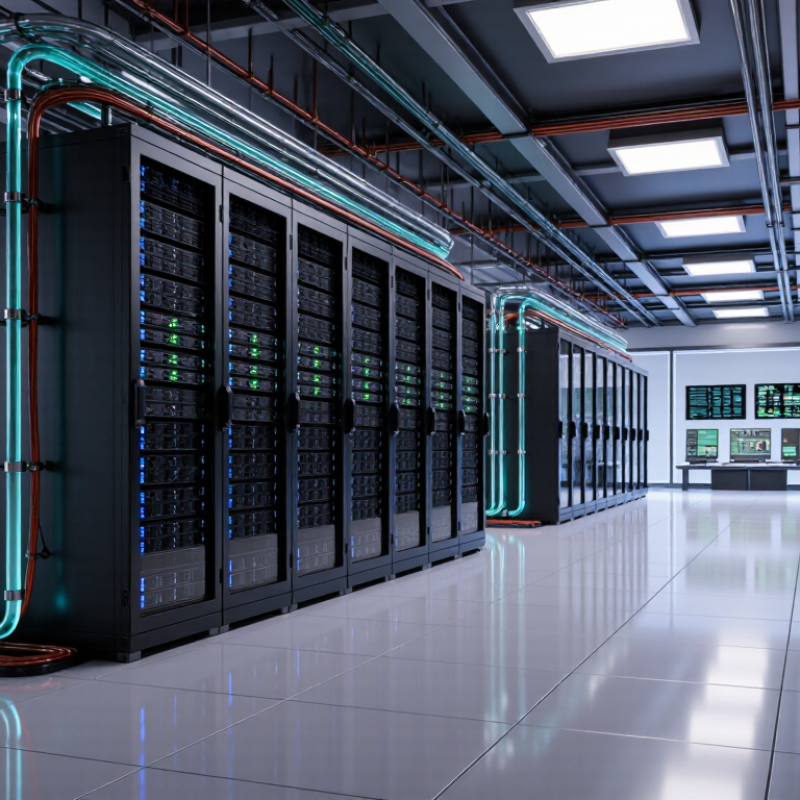
AI Server Fundamentals: Accelerators, Memory, Networking, and Cooling
An AI server is a balanced system, not just a box full of accelerators. Accelerators perform parallel calculations, while high-bandwidth memory keeps data close to the compute units. If memory bandwidth falls short, expensive processors can sit idle. The Stanford Institute for Human-Centered AI’s 2025 AI Index reports that training compute for notable AI models has doubled about every five months since 2010. That pace makes accelerator efficiency and memory capacity central design choices.
Networking connects servers so they can exchange data during distributed training. Slow links can leave accelerators waiting, even when each server is powerful. Operators should examine bandwidth, latency, and congestion across the full path, not just the network card. Small bottlenecks matter.
Cooling needs equal attention. Dense racks concentrate heat, so airflow paths, coolant delivery, and monitoring sensors affect stable performance. The International Energy Agency’s 2025 Energy and AI report estimates data centers used about 415 terawatt-hours of electricity in 2024, with demand potentially reaching 945 terawatt-hours by 2030. That is a system-wide estimate, not a cooling figure, but it underscores the scale of power planning. A practical caveat: liquid cooling is not automatically simpler; maintenance and leak detection need careful planning.
Manufacturer Ranking Criteria: Product Range, Scale, Performance, and Support
Ranking the top ten AI computing server manufacturers in 2026 calls for evidence beyond headline processor specifications. Product range matters: buyers need options for different model sizes, network layouts, cooling methods, and deployment environments. Scale matters too, but production capacity alone cannot prove consistent delivery. Compare documented system configurations, workload benchmarks, power use, and component availability.
The International Energy Agency’s Energy and AI report estimates that data centres consumed about 415 terawatt-hours of electricity in 2024, roughly 1.5% of global consumption. It projects demand could more than double by 2030. That makes efficiency and thermal design practical ranking criteria, not minor details.
Performance claims should be checked against comparable workloads and full-system configurations, including accelerators, memory, storage, and interconnects. Support deserves equal scrutiny: examine warranty terms, response times, firmware updates, spare-parts access, and help with deployment. A high benchmark score may not reflect performance under sustained heat or restricted power. Rankings also have limits; public data varies, and some vendors disclose more than others. That gap should be stated, not guessed away.
Tips
Test the whole rack. Ask for power and cooling figures under sustained workloads, not just peak performance. Check regional service coverage before purchase.
Top 10 AI Computing Server Manufacturers in 2026
Top 10 AI Computing Server Manufacturers in 2026
Choosing among leading AI computing server manufacturers in 2026 takes more than counting accelerators. TrendForce projected AI server shipments would grow 28.4% in 2025, reflecting rapid demand for high-density computing. Gartner forecast worldwide AI spending would reach $1.5 trillion in 2025. That broader figure signals investment momentum, not server revenue. Buyers should compare performance per watt, cooling options, memory capacity, and delivery timelines. A powerful system is less useful if its facility cannot support the heat load.
Reliable manufacturers document workload benchmarks, component compatibility, and service response times. Ask for results using your actual model sizes and software stack; headline specifications can hide bottlenecks. Check how the system handles sustained workloads, not just short benchmark runs. Also confirm whether parts and technical support are available in your region. Rankings may help narrow the field, but they cannot replace a site-specific evaluation. That distinction matters.
Tips: Request a power and cooling estimate before signing. Test a representative workload, and record throughput, temperature, and energy use. Small details count. A server that fits your rack but strains its cooling system is not a practical choice.
Rack-Scale Benchmark: NVIDIA GB200 NVL72 Has 72 GPUs and 36 CPUs
A rack-scale AI computing system with 72 GPUs and 36 CPUs is designed to keep large workloads close together. Rather than treating each server as an isolated box, this configuration links compute resources across a shared rack. That can help teams run demanding model training and inference jobs with fewer breaks between machines. The scale is striking. It also raises practical questions: performance depends on networking, software tuning, and how efficiently workloads use all those processors.
Tips: Check power and cooling requirements before deployment. Dense racks can produce substantial heat, so facility capacity matters as much as the processor count. Ask for measured workload results, not only peak specifications.
The headline figures do not tell the whole story. A workload may leave some GPUs idle, while another may be limited by data movement or memory capacity. Liquid cooling can support high-density operation, but it adds design and maintenance considerations. Buyers should compare real application tests, service coverage, and rack-level energy use. Even strong benchmark results need context. I would treat any single score as a useful clue, not a guarantee of faster results in every environment.
Networking Benchmark: NVIDIA Spectrum-X Ethernet Supports 800 Gb/s Ports
An 800 Gb/s Ethernet port carries a theoretical 100 GB of raw data per second. IEEE 802.3df-2024 standardizes 800GbE, giving server buyers a clear benchmark for comparing network capacity. In AI clusters, that bandwidth can help move training data between accelerators and storage. But a fast port alone does not guarantee fast jobs. Switch congestion, cabling, and traffic patterns still matter. Real throughput is lower after network overhead.
Tips: Check the full path, not just the server’s port. Verify switch capacity, cable reach, and whether several servers will share the same uplink. A crowded rack can turn impressive specifications into a bottleneck.
The Ethernet Alliance’s 2024 Ethernet Roadmap tracks 800GbE alongside higher-speed data-center links, reflecting growing demand for bandwidth. For manufacturers, the useful comparison is sustained performance under load, not peak line rate. Ask for measured results using your workload and rack layout. I would still treat any single benchmark cautiously; test conditions rarely match a live cluster exactly. That gap matters.
Top 10 AI Computing Server Manufacturers in 2026 - Networking Benchmark: NVIDIA Spectrum-X Ethernet Supports 800 Gb/s Ports
Vendor-neutral reference benchmarks. Figures below describe networking standards and technologies; they are not specifications attributed to individual manufacturers.
| # |
Benchmark area |
Standards-based reference |
What to evaluate in an AI server |
| 1 |
800 Gb/s Ethernet port |
800 Gb/s equals 100 GB/s of raw line rate in one direction, before protocol overhead. |
Check adapter support, switch compatibility, cabling, optics, and end-to-end measured throughput. |
| 2 |
400 Gb/s Ethernet |
400 Gb/s equals 50 GB/s of raw line rate in one direction, before protocol overhead. |
Confirm the port speed and link configuration supported by every component in the network path. |
| 3 |
200 Gb/s Ethernet |
200 Gb/s equals 25 GB/s of raw line rate in one direction, before protocol overhead. |
Compare the number of usable ports and the aggregate bandwidth available to each server. |
| 4 |
Full-duplex bandwidth |
Ethernet line rates are specified per direction; a full-duplex link can transmit and receive simultaneously. |
Distinguish one-way line rate from simultaneous transmit-and-receive capacity when comparing figures. |
| 5 |
PCI Express 5.0 |
PCIe 5.0 runs at 32 GT/s per lane and uses 128b/130b encoding. |
Check available slots, lane widths, and how accelerators and network adapters share PCIe resources. |
| 6 |
PCIe 5.0 x16 bandwidth |
An x16 link provides approximately 63 GB/s per direction after encoding, before protocol overhead. |
Verify that installed devices receive the intended link width under the planned system configuration. |
| 7 |
RDMA over Converged Ethernet (RoCE v2) |
RoCE v2 carries RDMA traffic over UDP/IP networks. |
Test latency, loss behavior, congestion handling, and application performance across the complete fabric. |
| 8 |
Priority-based Flow Control (PFC) |
IEEE 802.1Qbb defines link-level pause control for selected traffic priorities. |
Review configuration and failure behavior; pause propagation can contribute to head-of-line blocking. |
| 9 |
Explicit Congestion Notification (ECN) |
ECN enables network devices to mark congestion in IP packets instead of relying only on packet drops. |
Check marking thresholds and endpoint response behavior under representative collective workloads. |
| 10 |
NVMe over Fabrics (NVMe-oF) |
NVMe-oF extends NVMe storage access across a network fabric; supported transports depend on the implementation. |
Measure storage throughput, latency, and scaling with the intended transport and workload. |
Conclusion
This article explains the building blocks of modern AI computing servers, including accelerators, high-capacity memory, fast interconnects, and advanced cooling. These components work together to handle demanding AI workloads, while system design affects performance, energy use, and the ability to scale from individual servers to complete racks. The guide also outlines how to evaluate an ai computing server manufacturer, considering product range, manufacturing scale, system performance, and customer support.
The top 10 manufacturers are compared using these practical criteria, with attention to the needs of different deployment sizes and workloads. Rack-scale and networking benchmarks provide additional context: a high-density reference configuration combines 72 GPUs with 36 CPUs, while advanced Ethernet networking can support ports reaching 800 Gb/s. Together, these examples show why balanced compute, memory, connectivity, and cooling are essential when selecting infrastructure for next-generation AI applications.
 NexGPU
